
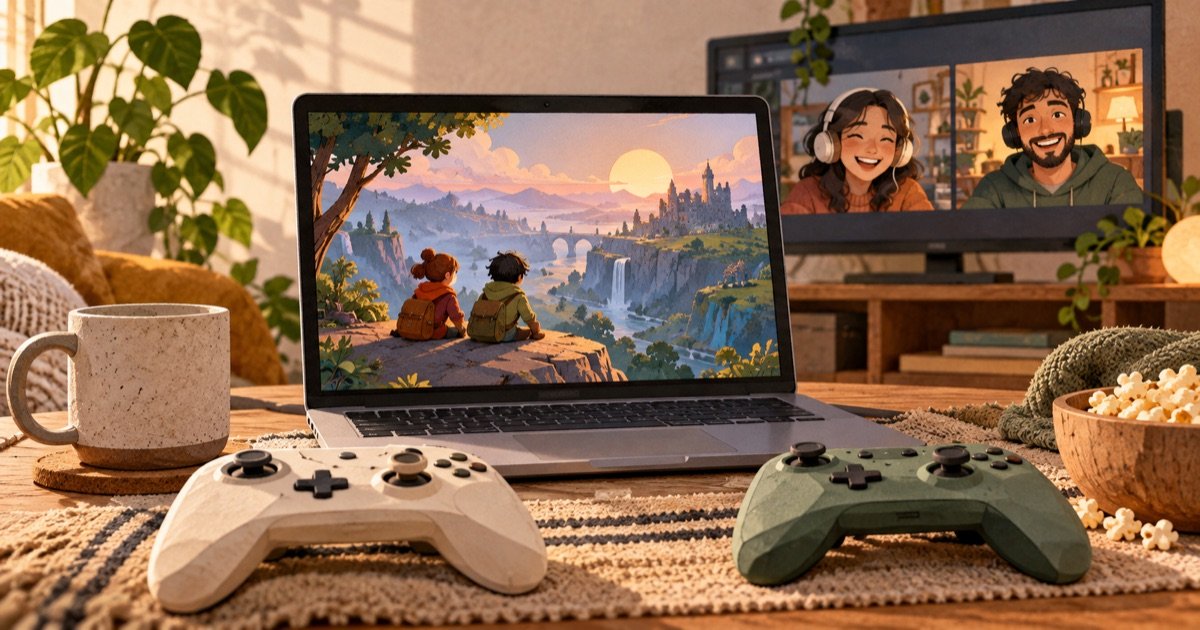
Steam Remote Play Together can bring supported local multiplayer games to friends online. It is worth testing the exact game and controller arrangement before organizing a long session. Support, host performance and network conditions all affect the experience.
Check the exact game first
Steam’s official Remote Play page explains the host-and-streaming model: the host runs the game and shares the session, while other players send input from their devices. Check the game’s current store information and Steam support instructions for compatibility. Do not assume every multiplayer game supports the same feature.
Agree on roles and equipment
| Check | What to confirm |
|---|---|
| Host | Can run the game normally |
| Guests | Supported joining setup and intended account |
| Controls | Correct controller or keyboard assignment |
| Communication | Working voice chat without disruptive echo |
Invite only the people you intend to play with. Read the session’s input-sharing controls before giving access. Close unrelated documents and private notifications on the host computer, particularly when experimenting with a new sharing arrangement.
Run a short rehearsal
- Launch the supported game on the host.
- Confirm it runs smoothly without streaming.
- Follow Steam’s invitation procedure for one trusted guest.
- Test menus, movement and a representative action scene.
- Add other players only after the first connection works.
If the host already struggles locally, troubleshoot that before blaming the internet. If local play is smooth but guests see interruptions, compare connection conditions. Pause optional large transfers and test a supported wired host connection where practical.
Measure the experience that matters
Record whether inputs feel delayed, video breaks up or the host loses frames. Those are different observations. Avoid treating one speed-test result as a guarantee that a particular co-op session will work. A turn-based game and a fast timing-sensitive game may tolerate different conditions.
Set a sensible fallback
Choose a second supported game or a shorter session if the rehearsal is unreliable. Do not spend the whole evening buying equipment on the assumption that a controller or router must be at fault. Gather a repeatable symptom first.
Use our gaming latency guide for diagnosis and budget gaming setup checklist for broader planning. This guide is a setup framework, not a benchmark of specific games or networks.