
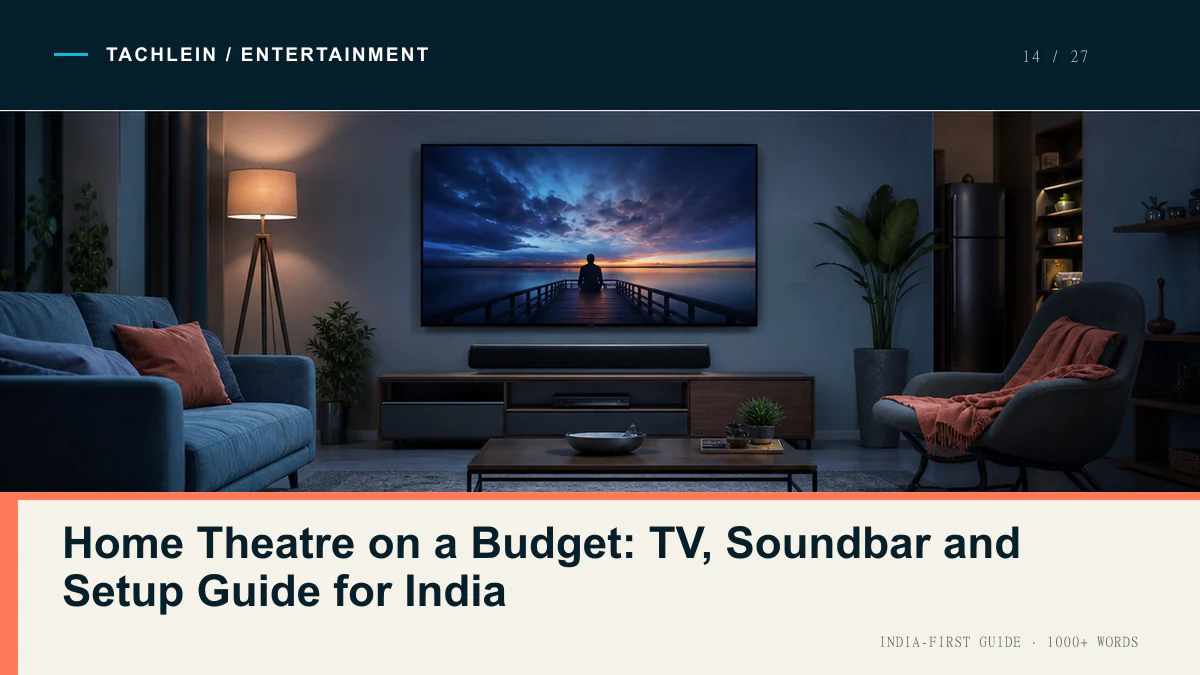
If you take one thing from this guide, take this: on a budget under ₹1 lakh, buy a smaller, better TV and spend the money you saved on sound. A ₹28,000 43-inch QLED paired with a ₹12,000 soundbar will feel more like a cinema than a ₹40,000 55-inch panel running on its own 20W speakers. Picture quality is what you notice in the showroom. Sound is what you notice on the sofa, three weeks in, when you still cannot follow the dialogue in a thriller without subtitles.
This guide covers what a realistic home theatre costs in India right now, which television specifications are worth paying for, what a budget soundbar genuinely fixes and what it does not, and the room-level problems — ambient light, seating distance, voltage — that quietly ruin otherwise sensible purchases.
The money split most people get backwards
The default Indian buying pattern is to fix a total budget, then spend roughly 90% of it on the largest screen that fits, treating audio as an optional accessory to be added “later”. Later rarely comes.
A better split for a total budget between ₹35,000 and ₹90,000 is roughly 65–70% on the display and 25–30% on sound, with the remaining 5% reserved for the boring parts: a proper wall mount, a decent HDMI cable and power protection. At ₹40,000 total, that means a ₹27,000–29,000 TV and an ₹8,000–10,000 soundbar. At ₹80,000, it means a ₹50,000 TV and a ₹18,000–20,000 bar.
The reason is simple physics. A television chassis is 5–6 cm deep. There is no room inside it for a driver that can move enough air to produce bass, or for a cabinet to resonate in. Manufacturers list 20W or 30W output, but wattage without cabinet volume produces loudness, not depth. A ₹9,000 soundbar with a separate subwoofer box has more internal volume than the entire TV.
A ₹40,000 setup that holds together
This is the entry point where the result stops feeling like a compromise. A 43-inch 4K QLED, a 5.1 or 2.1 soundbar with a wireless subwoofer, and the accessories that make both work properly.
| Component | Suggested type | Approx ₹ |
|---|---|---|
| Television | 43-inch 4K QLED, Google TV or Fire TV, Dolby Vision (Hisense, TCL or Xiaomi class) | 28,000 |
| Soundbar | 2.1 or 5.1 with wireless subwoofer and HDMI ARC | 8,000 |
| Wall mount | Fixed or slim tilt bracket, VESA-matched, steel | 1,200 |
| Cables | One certified HDMI 2.0 or 2.1 cable, 2m, for the ARC port | 500 |
| Power protection | Digital voltage stabilizer, 90–290V range | 1,800 |
| Total | — | 39,500 |
What you give up at this level: peak brightness is modest, so HDR content looks flat in a bright room, and the 60Hz panel offers nothing extra for console gaming.
The ₹80,000 setup, and what doubling the budget buys
Going from ₹40,000 to ₹80,000 does not double the experience. It buys you a 55-inch screen, a meaningfully brighter panel (Mini LED backlighting at the top of this range), and a soundbar with real surround speakers or genuine up-firing height drivers.
| Component | Suggested type | Approx ₹ |
|---|---|---|
| Television | 55-inch 4K QLED or Mini LED, 120Hz preferred | 50,000 |
| Soundbar | 5.1 with rear satellites, or an Atmos-capable bar with up-firing drivers | 19,000 |
| Streaming device | 4K stick or box, for a faster interface and longer app support than the TV OS | 4,000 |
| Wall mount | Full-motion or heavy-duty tilt bracket rated well above panel weight | 2,500 |
| Cables and management | HDMI 2.1 cable, optical spare, casing or conduit for concealment | 1,500 |
| Power protection | Digital stabilizer plus surge-protected extension board | 3,000 |
| Total | — | 80,000 |
Which television specifications actually change what you see
Product listings lead with resolution and screen size because those are easy to print. Neither is where budget TVs differ most.
Peak brightness, measured in nits, is the specification that matters most and is advertised least. A panel that manages 250–350 nits will show HDR content as a dull, grey approximation of what the creator intended. Around 500 nits, highlights start to look like highlights. Above 700 nits — which usually means Mini LED backlighting — HDR finally does something visible. Brightness also determines whether the TV is watchable in an Indian living room at 4pm with the curtains open, which is a bigger practical issue than most reviews admit.
Panel type in this price band is effectively a choice between standard LED and QLED. QLED is not a different display technology from LED; it is an LED panel with a quantum-dot layer that widens the colour range. It is a genuine improvement, but it does not fix poor contrast or weak backlighting. Local dimming zones matter more than the QLED badge — a TV with a few dozen dimming zones will show visible haloing around bright objects on dark backgrounds, and one with none will show grey-black skies.
Refresh rate is only worth a premium if you own a current-generation console or a gaming PC. For streaming and cable, 60Hz is sufficient; film is shot at 24fps regardless. Ignore “motion rate 120” style marketing numbers, which are processing claims, not native panel refresh.
HDR format support is where confusion is deliberately manufactured. HDR10 is the baseline every 4K TV supports. Dolby Vision and HDR10+ both add dynamic, scene-by-scene metadata; Dolby Vision is more widely supported by streaming services in India, HDR10+ appears mostly on Samsung sets and Amazon content. Neither format can create brightness a panel does not have. A 300-nit TV with Dolby Vision certification looks worse than a 600-nit TV with plain HDR10. Treat format badges as a tiebreaker, never as a reason to buy. Dolby’s own technical overview of Dolby Vision is clearer about this than most retail pages.
What a soundbar actually fixes — and what it cannot
Built-in TV speakers usually fire downward or backward into the wall, use drivers under 50mm, and have almost no enclosure. The audible result is a narrow band of midrange: no low end to carry impact, and a crowded midrange where dialogue competes with the score. That is why you reach for subtitles.
A soundbar fixes three specific things. It moves the drivers forward so sound reaches you directly. It usually adds a subwoofer with a real cabinet, restoring everything below roughly 100Hz. And it separates the centre channel, so speech has its own driver instead of sharing one with explosions. On most budget setups, that third improvement is the one people notice first — dialogue simply becomes intelligible.
What a soundbar cannot fix is room acoustics. A tiled floor with bare walls will smear everything you play, regardless of price. A rug and curtains do more for clarity than upgrading from a ₹9,000 bar to a ₹15,000 one.
Dolby Atmos in the ₹5,000–25,000 range: read the fine print
Almost every soundbar above ₹10,000 now claims Atmos. There are two very different things being sold. A bar with dedicated up-firing drivers bounces sound off your ceiling to create height — this works, imperfectly, and requires a flat concrete ceiling under about 10 feet, which most Indian flats have. A bar that merely decodes Atmos and applies virtual processing through front-facing drivers produces a slightly wider soundstage and nothing overhead.
Under ₹15,000, virtually everything is the second kind. Real up-firing hardware starts around ₹19,000–20,000. If the specification sheet does not explicitly say “up-firing” or quote a channel layout with a third number (5.1.2, 3.1.2), assume it is virtual. Dolby maintains a plain-language explanation of how Atmos height channels work that is worth two minutes before you spend ₹20,000.
One connection note that costs nothing: use HDMI ARC or eARC, not optical. Optical cannot carry Dolby Atmos or lossless formats at all. If your TV has only one ARC-labelled HDMI port, that port belongs to the soundbar.
Room realities in Indian homes
Viewing distance. The common Indian living room seats you 7–9 feet from the TV wall. At that distance, a 43-inch screen is comfortable and a 50–55-inch screen is immersive. Below 6 feet, a 55-inch panel forces you to move your eyes across the frame, and on lower-bitrate cable or streaming feeds you will start seeing compression artefacts. A workable rule for 4K: seating distance in feet multiplied by about 7 gives a sensible screen size in inches. Measure before you buy, not after.
Ambient light. Indian living rooms are bright, often with a window directly opposite the TV wall. This is the single biggest reason people are disappointed by a TV that reviewed well. If you cannot avoid facing a window, prioritise peak brightness and an anti-glare panel finish over HDR badges — or plan on ₹2,000 of blackout curtains as part of the setup cost.
Voltage protection. Modern TVs have wide-range power supplies and many are marketed as needing no stabilizer. If your supply is stable, that is true. If you are in a tier-2 or tier-3 town, in an area with frequent load-shedding, or running an inverter with a square-wave output, a ₹1,500–2,500 digital stabilizer is cheap insurance against a mainboard replacement that costs a third of the TV. Also confirm the star rating on the energy label before purchase; the Bureau of Energy Efficiency label is a legitimate comparison tool for running cost on large panels used several hours a day.
Mounting. Wall mounting looks cleaner and is safer around children, but only into a solid brick or concrete wall with proper anchors — never into gypsum partition board without a backing frame. Mount height should put the screen centre roughly at seated eye level, typically 100–110cm from the floor; the common mistake is mounting too high, above a console or shelf, which causes neck strain over a two-hour film. A table stand costs nothing extra and is entirely acceptable if the furniture is sturdy and the TV is secured against tipping.
Where budget home theatre genuinely falls short
Honesty about the ceiling matters more than another spec table. Below ₹1 lakh, you will not get convincing black levels in a dark room — LED backlights leak, and OLED does not exist at this price. You will not get real rear surround imaging from a single bar; even 5.1 packages with wired satellites place them by cable length rather than by acoustics. Atmos height effects at this budget range from subtle to imaginary. Upscaled 1080p content on a 55-inch screen looks softer than it did on your old 32-inch. And motion handling on cheap panels shows judder in slow camera pans that you will notice once and then never unsee.
None of that makes the setup a bad purchase. It makes it a large, clear, properly-audible way to watch television — which is what most households actually want. It is simply not a substitute for a cinema, and any guide promising otherwise is selling something.
Once the hardware is sorted, the recurring cost becomes the content. Our breakdown of the best OTT subscription combination in India covers how to avoid paying for four services that overlap, and if you watch primarily in Tamil, Telugu, Malayalam, Marathi or Bengali, the regional streaming guide is the more relevant starting point.
Frequently asked questions
Is a 43-inch TV too small for a living room?
Not if you sit 7 feet or closer, which describes most Indian flats. A 43-inch panel at 7 feet fills roughly the same field of view as a 55-inch at 9 feet. Buying the largest screen a wall can hold is a common and expensive mistake — the money is better spent on brightness and sound.
Do I need a soundbar if my TV already has Dolby Atmos?
Yes. A TV that lists Dolby Atmos is stating that it can decode the format, not that it can reproduce it. The processed output still comes from the same small downward-firing drivers. Decoding and reproduction are separate capabilities, and marketing rarely distinguishes them.
Which smart TV OS should I pick — Google TV, Fire TV, Tizen or webOS?
Google TV has the widest Indian app coverage including most regional services, and built-in casting. Fire TV integrates well with Prime Video and is often cheapest, but pushes sponsored content. Samsung’s Tizen and LG’s webOS are faster and cleaner on their respective hardware, with slightly thinner regional app catalogues. Any gap is solved by a ₹4,000 streaming stick, so treat the OS as a minor factor and the panel as the major one.
Are 5.1 soundbar kits with wired rear speakers better than a single 3.1 bar?
Usually yes for films, if you can actually place and cable the rear speakers behind the seating. If the cables would run across a doorway or the rears end up sitting beside the TV, a good single bar with a wireless subwoofer will sound better than a badly-placed 5.1 kit.
Can I use Bluetooth speakers or earbuds instead of a soundbar?
For solo late-night viewing, wireless earbuds work well and cost far less — see our guide to the best wireless earbuds in India. For shared viewing they are not a substitute: Bluetooth introduces lip-sync lag on many TVs, and stereo Bluetooth speakers have no centre channel, so the dialogue problem returns.
Prices and model availability checked August 2026. Indian TV and soundbar pricing shifts sharply around festival sales and end-of-line clearances, so verify the current figure and the exact model number before purchase — manufacturers frequently sell visually identical variants with different panels.